

Design and Placement Tips for Clickable Call-to-Action Buttons
The call-to-action buttons on your website are small but work 24/7 to secure quotes, bookings, sales and sign-ups. They could be losing you enquiries if they are hard to spot, unclear or difficult to use on a mobile. Here we explain how to design and place CTAs effectively.
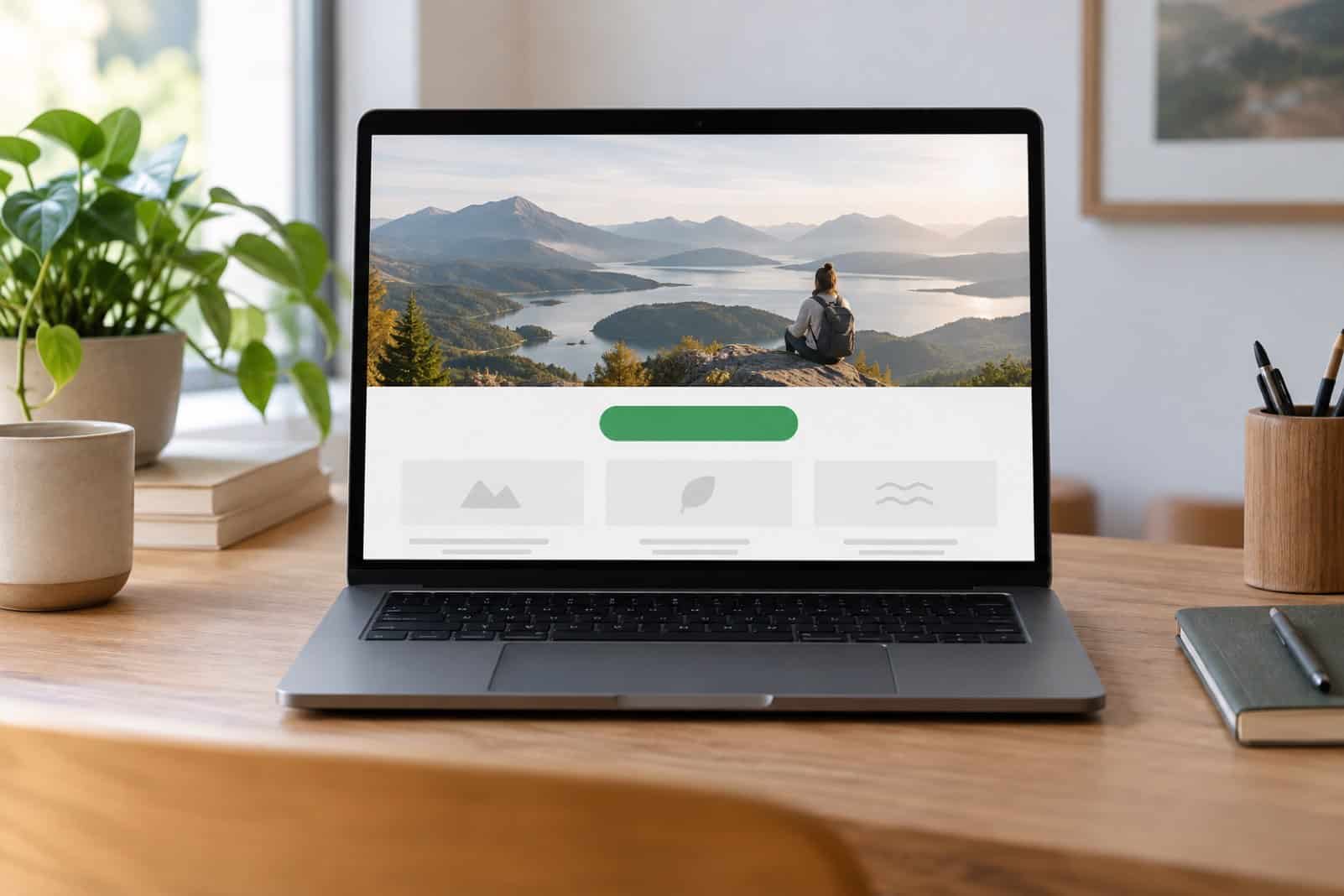
Colour that stands out
The CTA button should stand out from the surrounding content but not clash with your brand. The contrast with the surrounding content is more important than the specific colour chosen. Many websites use a bright accent colour that appears nowhere else on the page for their CTA buttons. Check the contrast between the button text and the button background colour to ensure that it is readable by everyone.
For Web Design Cheltenham, consider https://www.absolutecreativemarketing.co.uk/web-design/cheltenham/
Words that motivate action
Avoid generic labels such as “Click here” or “Submit”. Use clear, action-focused wording that tells visitors exactly what will happen next, such as “Get my free quote”, “Book a table”, “Start my trial” or “Download the guide”. Some businesses find first-person wording (“Get my quote”) performs better than second person (“Get your quote”), but results vary, so test it on your own site.
Strategic placement
Place main CTAs above the fold to be visible immediately upon landing.
On longer pages, repeat the main CTA at natural break points, such as after a section explaining your service or after testimonials, so visitors never have to scroll back to find it. Place secondary actions, such as “Learn more”, where they support the main goal rather than compete with it. On mobile, a button fixed to the bottom of the screen can work well for the most important action.
Size and shape matter
Make sure your buttons are easy to tap on phones. The web accessibility guidelines (WCAG 2.2) set a minimum target size of 24×24 CSS pixels. 44×44 pixels and above is recommended for the best accessibility, and larger is better for primary buttons. Ensure there is enough space between buttons and make them look clickable with a clear shape, and visible hover and focus states.
| Element | Good practice |
|---|---|
| Colour | High contrast with the page and the button text |
| Wording | Specific action, what happens next |
| Placement | Visible on arrival, repeated on long pages |
| Size | Easy to tap, at least 44 by 44 CSS pixels for main buttons |
| Focus | One main action per page or section |
Test and optimise
Even small design changes have the potential to make a big difference. The only way to determine which small change is most effective for your users is to test different versions of a particular piece of copy or design. For example, you could test different words, colours or positions, one at a time, and measure the click-through rate of each. It’s also important to track completed enquiries and sales to get a true picture.
Common CTA mistakes
- Too many buttons competing for attention.
- Vague labels that do not say what happens next.
- Buttons that look like plain text or images.
- Tiny buttons that are hard to tap on mobile.
- Forms behind the button that ask for too much information.
Frequently asked questions
How many CTAs should a page have?
Ideally one main action on a page, repeated where it makes sense, plus a few secondary actions on the page. Don’t allow all buttons on a page to shout equally, or visitors are less likely to take any of them.
Should CTA buttons be the same colour across the site?
Use the same colour for main actions on your site so that visitors can learn what a main action looks like. Secondary actions should be less noticeable than main actions.
Where to go next
If you sell online, read our five e-commerce web design tips.
