
Five e-commerce web design tips
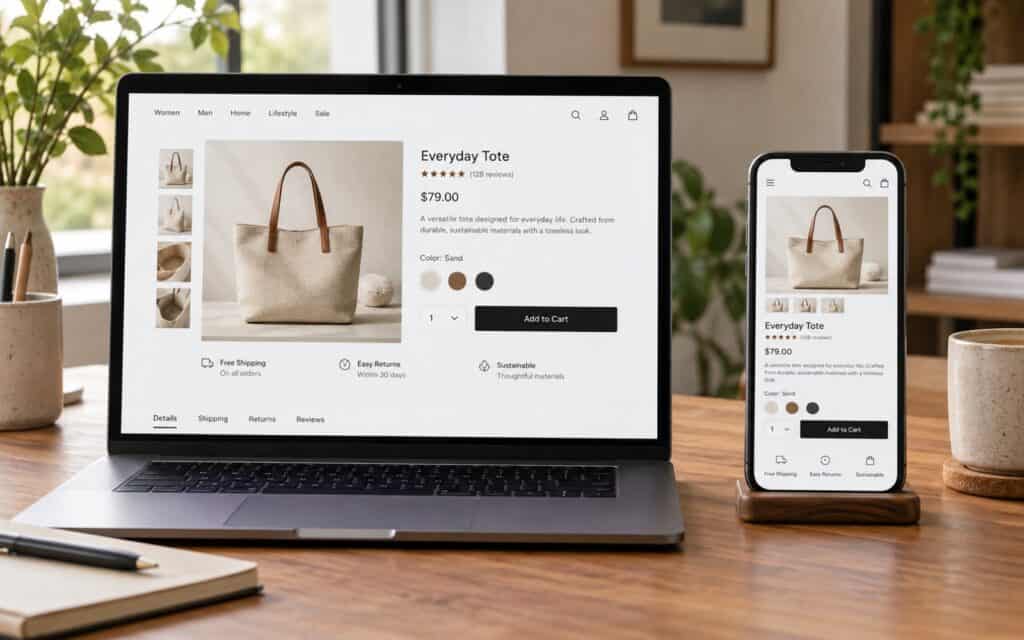
A user-friendly online shop can be the deciding factor for customers to purchase from your online store or from that of your competitors. As far as good e-commerce design is concerned, we are not talking about flashy effects. The point is that customers can easily find what they are looking for, trust the online shop enough to buy from it, and are not put off by any irritation in the checkout process. With the following 5 design tips the customer experience and sales can be improved.
1. Showcase your brand
Your website should make your brand instantly recognisable. Use your logo and consistent colours across all pages to help customers quickly understand who you are and what your store stands for.
Consistency is more than colour. Use the same tone of voice everywhere. Use the same style of images, and consistent layout throughout the site. Even a small online retailer can look like a proper brand online with clear product photography on a consistent background.
2. Use trust indicators
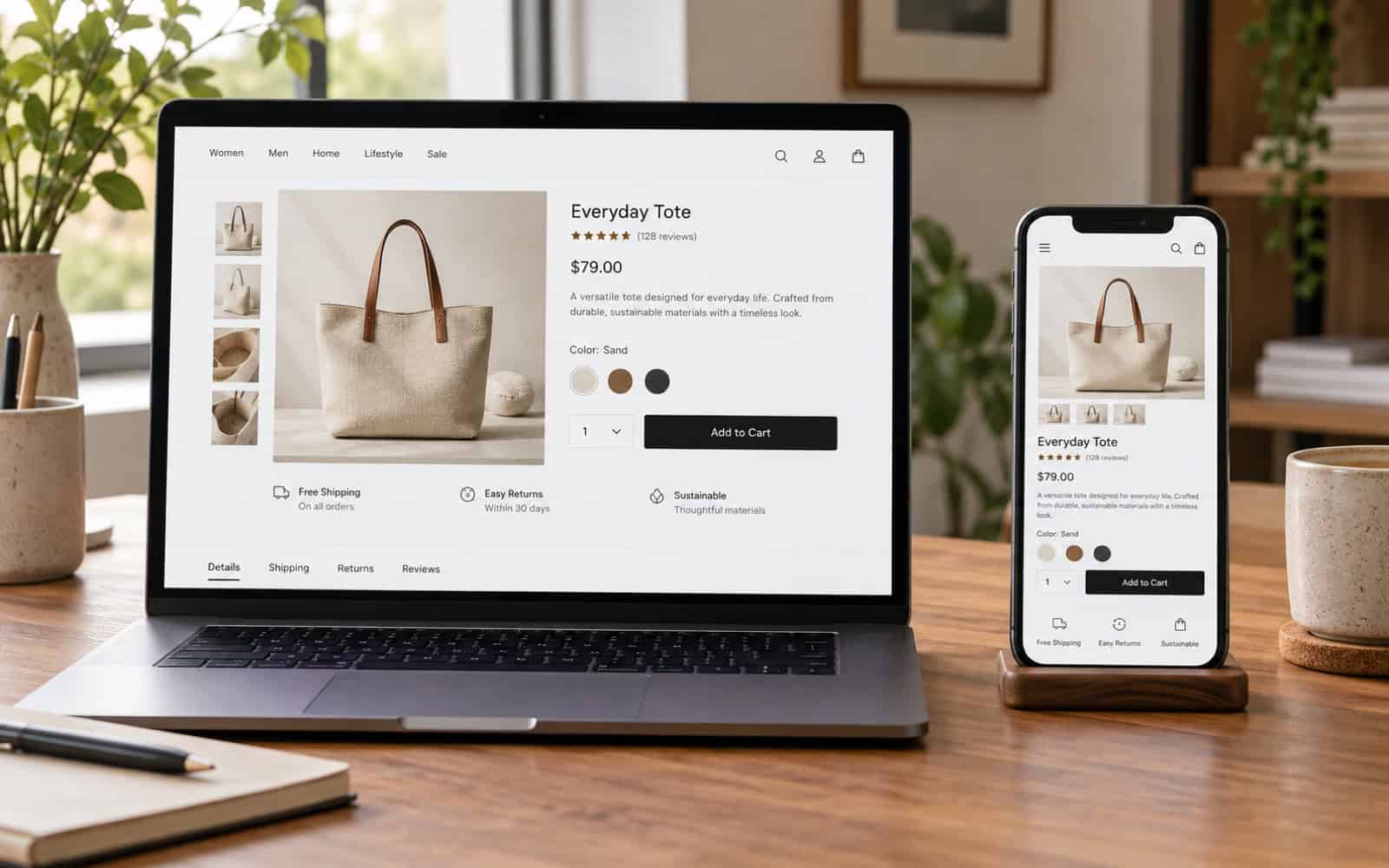
Allow shoppers to feel safe when handing over their card details online by making online trust signals visible. This includes secure payment logos, clear delivery and returns information, a real address and phone number and clear contact details that customers can use to get in touch. A padlock in the browser and a well-known payment provider reassure people, but clear policies written in plain English matter just as much.
Choose an ecommerce web design company, like https://www.nettl.com/uk/ecommerce-web-design-company/, that understands your brand and can create a site that is user-friendly and looks trustworthy.
3. Personalise the shopping experience
Create a personalised shopping experience for customers. Allow them to create an account and save products of interest to wishlists. Show customers products that they may be interested in purchasing, based on browsing history or past purchases. Recently viewed products on websites and remembering customers’ sizes are simple ways to make online shopping more personal. Be transparent about use of customers’ data and allow them to control preferences for marketing communications.
4. Incorporate customer reviews
Reviews by other customers shopping online give potential shoppers real opinions about a product before they buy. Displaying reviews online on product pages can help build credibility and enable potential shoppers to make informed purchasing decisions. Positive reviews are known to encourage purchases online and an honest mix of reviews often increases trust with shoppers as pages full of 5-star reviews can look suspicious. Reply to negative reviews politely and show how you put problems right.
5. Simplify the checkout
Avoid complex checkout processes as they are one of the main reasons for shopping basket abandonment. Reduce the number of steps to complete the order, offer a guest checkout option and clearly outline all costs including delivery at the earliest opportunity. Offer customers a range of popular payment methods including digital wallets and ensure online forms are short and easily completed on mobile devices. Provide customers with a clear order summary prior to processing payment.
Quick e-commerce design checklist
| Area | What good looks like |
|---|---|
| Navigation | Clear categories, working search, filters |
| Product pages | Good photos, full details, delivery info, reviews |
| Trust | Contact details, returns policy, secure payment |
| Checkout | Guest option, few steps, no surprise costs |
| Mobile | Fast, easy to tap, easy to read |
Frequently asked questions
How important is mobile design for an online shop?
Yes, very much. Many people buy from their phones, so test that the website loads fast, is easy to use with your thumb and has a good checkout process on small screens, on a real phone and not just a desktop browser.
Should I offer guest checkout?
Usually yes. Forcing an account adds a barrier to purchase for new customers and can lose sales. You can still ask them to create an account after the order has been completed, when they are more likely to see the benefit.
Where to go next
The buttons that lead to checkout matter too. Read our design and placement tips for call-to-action buttons.
