
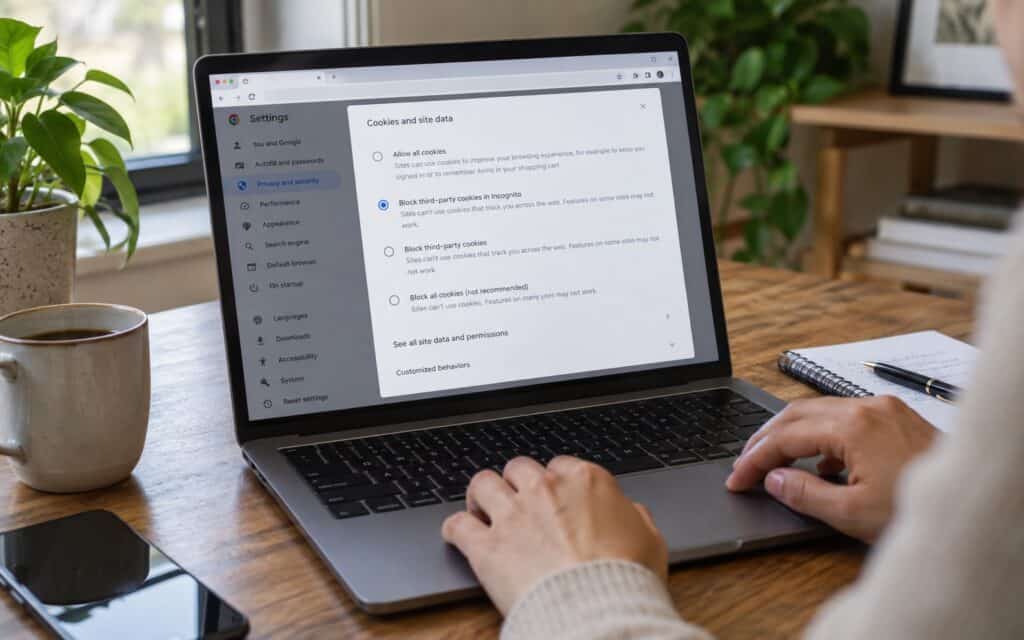
What does your internet browser know about you?
For most users, web browsers are now a normal part of daily life and are often used without much thought. What users may not realise, however, is that web browsers and websites can collect a considerable amount of information about users. This information, and how it can be used, is outlined below along with simple ways users can protect their privacy.
Which browsers are most popular?
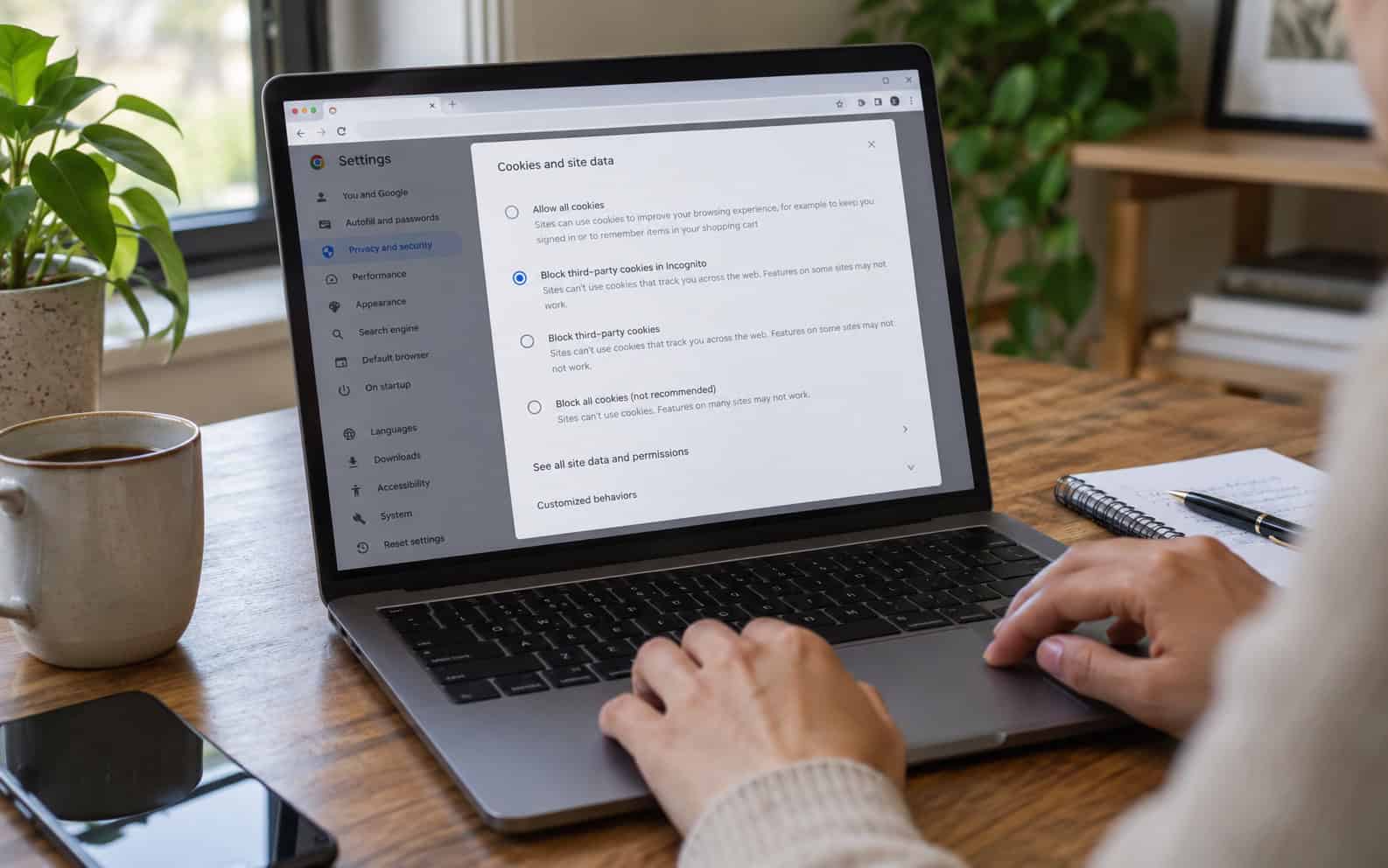
Google Chrome and Apple’s Safari are the most popular browsers, with Safari the default browser on Apple devices. Microsoft Edge, Firefox, Opera and privacy-focused browsers such as Brave and Tor are also widely used. Browsers differ in how much data they collect about you and how much they block websites from tracking you.
What your browser can know about you
The amount of information your browser and the sites you visit can collect depends on your settings as well as the services you are logged in to.
- Your browsing and search history.
- Your approximate location, from your IP address or location settings.
- Your device, operating system, screen size and language.
- Saved passwords, addresses and payment details, if you choose to store them.
- Information from cookies and trackers that follow you between websites.
This information can be linked to your account if you’re signed in to your browser with an account. Information can also be synced through your browser account to your other devices.
How the data is used
There are many different types of data that are collected while you browse the web. Some of this data is used to make your browsing experience work, such as remembering what is in your shopping basket. Some of the data collected by websites is used to give you a more personal experience online and to show you advertisements that are of interest to you, which can involve building a profile of your interests over time. Organisations collecting personal data online have to comply with data protection legislation in the UK. Often websites will need your consent before setting non-essential cookies.
Data collection is also a normal part of many legitimate businesses. Specialist data collection companies, such as shepper.com, use trained local people to collect on-the-ground data, such as checks at the point of sale, to help businesses make decisions. The key question is always what is collected, why, and whether people have been told.
How to protect your privacy
| Step | What it does |
|---|---|
| Reject non-essential cookies | Limits tracking for advertising |
| Use tracking protection or a privacy browser | Blocks many third-party trackers |
| Review browser and account privacy settings | Controls syncing, history and ad personalisation |
| Keep your browser updated | Fixes security weaknesses |
| Be careful what you share on social media | Reduces information available about you |
Private or incognito browsing stops your browser saving your history and cookies after you close the window, but it does not make you anonymous. Websites, your employer or school network and your internet provider can still see your activity. The Information Commissioner’s Office explains how cookies work and how to control them.
Frequently asked questions
Is private browsing really private?
Only partly. It keeps your browsing history off your own device, which is useful on a shared computer, but it does not hide your activity from the websites you visit or from your ISP. To combat tracking, you will need to look at tracking protection and carefully adjust your privacy settings.
Should I save passwords in my browser?
Using a browser password manager is far safer than reusing the same password on different websites. As well as locking down your local machine and account with a strong password and multi-factor authentication, it is also worth considering a dedicated password manager if you use multiple browsers or devices.
Where to go next
For how organisations should handle the data they collect, read about five common data collection challenges.
Online sharing of personal information calls for caution. The less information you share online, the less there is for others to collect.
