
How Your Phone Can Help You Order Food Abroad
It’s a familiar holiday moment: standing at a restaurant, unable to read the menu, while the queue behind you moves faster than you’d like. For years, this was the situation where you would, with a bit of luck, point at something on the menu and hope for the best. But now your phone can translate a menu, find you somewhere good to eat nearby and even help you explain your allergy to a waiter, often without the need for a signal. A few minutes spent setting up before you travel makes it all work far better.

Photo by abillion on Unsplash
Translate the menu with your camera
Dedicated translation apps can do this, including Google Translate and Apple’s Translate app for the iPhone and iPad. With the camera on your phone held up to menu text, it translates what you see and displays the results on screen. While not perfect – especially for regional dishes or scrawled handwriting on boards – it’s usually good enough for dish names, and certainly enough to tell grilled fish from tripe.
Do the most important step at home: download the language pack for your destination before you travel. Later, when you need to translate something in a restaurant’s basement, you will not have to worry about patchy mobile data in rural areas or expensive data abroad.
Find somewhere good to eat
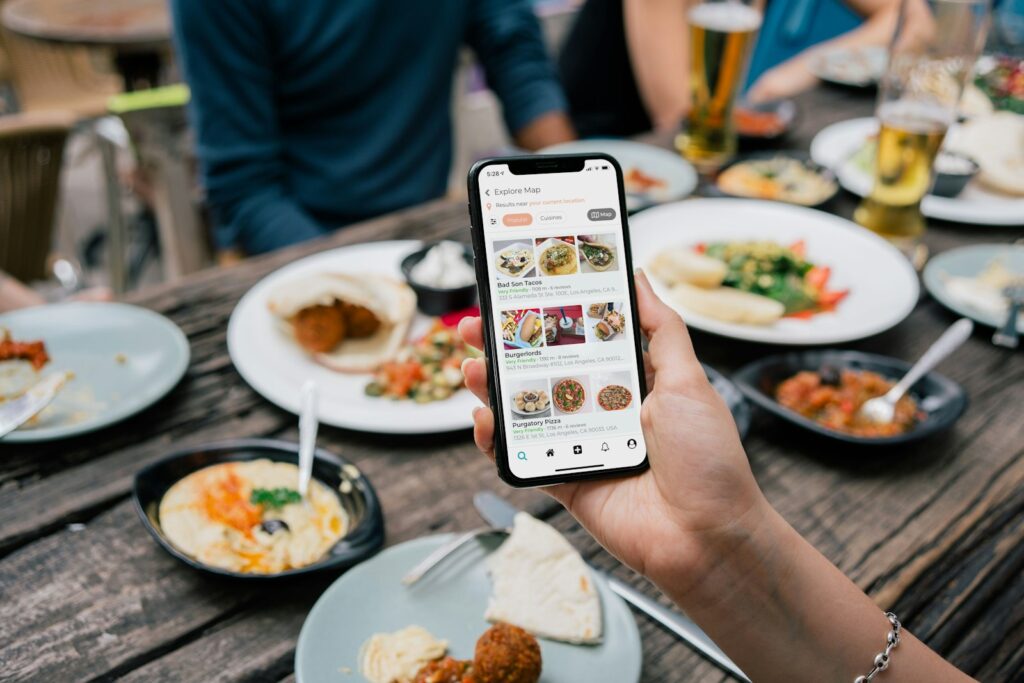
Map apps display restaurants, their opening hours, and reviews of them. Most apps also allow users to download an area beforehand to view offline. It’s best to save the town you’re staying in before you arrive. When reading reviews, make sure to read recent ones, and try to read reviews written by locals as much as possible. Also be a little wary of places with hundreds of English reviews that are all glowing, located right next to a popular attraction.
Check with your mobile operator as well to see what data charges they have for use in your destination. Data roaming charges have changed in the last few years but still vary between operators, so it’s best to check prior to travel to avoid any surprises.
Explain allergies clearly
If you have a food allergy, translation apps can be helpful but don’t rely on them alone for something so important. Create a short, clear note in the local language explaining your allergy and how serious it is. Take a picture of the note on your phone so you can show it to people even when you are offline. Many travellers also print out such notes.
Before you go: phone checklist
- Download the offline language pack for your destination
- Save offline maps for the places you’re staying
- Check your network’s roaming charges
- Save any allergy note as an image
- Check your bank card’s fees for spending abroad
- Pack a power bank, because camera translation drains the battery quickly
