
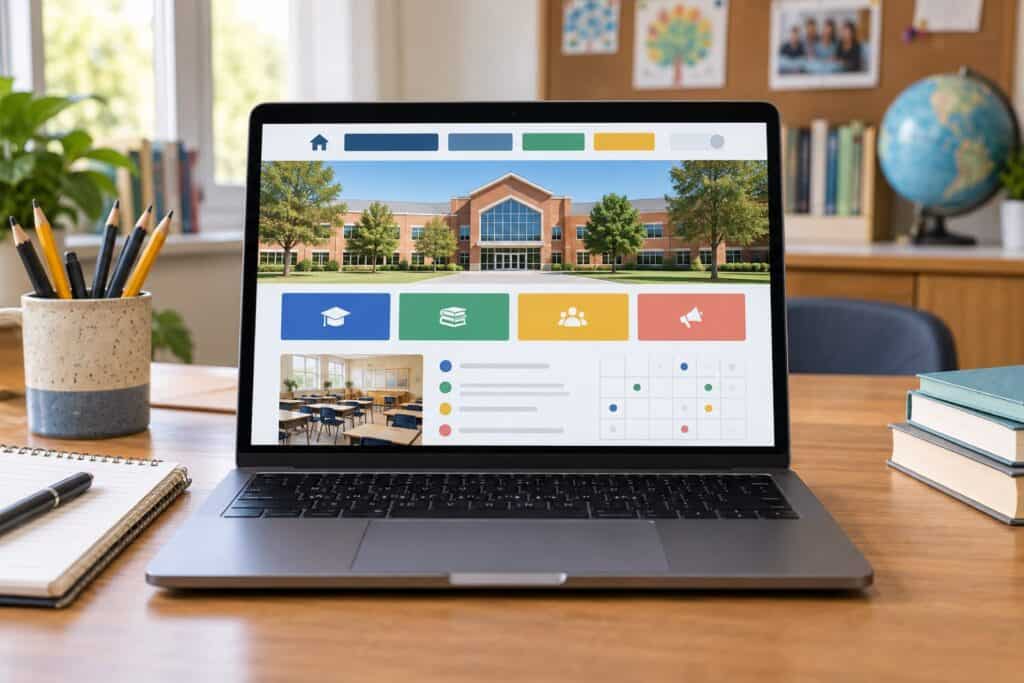
How To Organise Your School Website Content
A user-friendly school website cannot be built on top of a confusing content structure. Whether a school has 20 pages or 200, all users (parents, pupils, staff, prospective parents and inspectors) need to be able to find what they are looking for quickly. The following 5 considerations apply whatever structure is chosen.
1. Design for all your users
A school website does many jobs at once. It is used by current parents and pupils, families choosing a school, staff, governors, job applicants and inspectors, so the content has to work for all of them. Your content hierarchy should, however, engage your most important audience first.
For most schools, current parents visit the website most often, looking for term dates, letters, clubs, uniform and contact details. Make those quick to reach from any page, and give prospective families a clear route to admissions information and a feel for the school.
2. Use a logical structure
A simple hierarchical structure of main pages and sub-pages is easy to understand and to manage. However, there are many situations where a school website serves more than one audience and so in addition to the main routes of the site, there are likely to be audience-based routes such as “For parents” or “Joining us” and quick links to popular pages.
- Keep main menu labels short and in plain language.
- Avoid burying important pages more than two or three clicks deep.
- Put each piece of information in one place and link to it, rather than copying it.
- Remove or archive out-of-date pages and letters each term.
3. Don’t forget statutory information and inspectors
Inspectors and parents often look at a school’s website, so statutory information needs a clear home. The Department for Education sets out what maintained schools must publish online, and there is separate guidance for academies. Requirements include:
- Contact details
- Admission arrangements
- Ofsted reports
- Test, exam and assessment results
- Curriculum information
- Behaviour and complaints policies
- SEND information report
- Pupil premium and PE and sport premium information
- Governance and financial information
Create a single section such as ‘Key information’ or ‘Statutory information’ which can be referenced from the main menu and footer and updated as required.
4. Make sure your homepage does many jobs at once
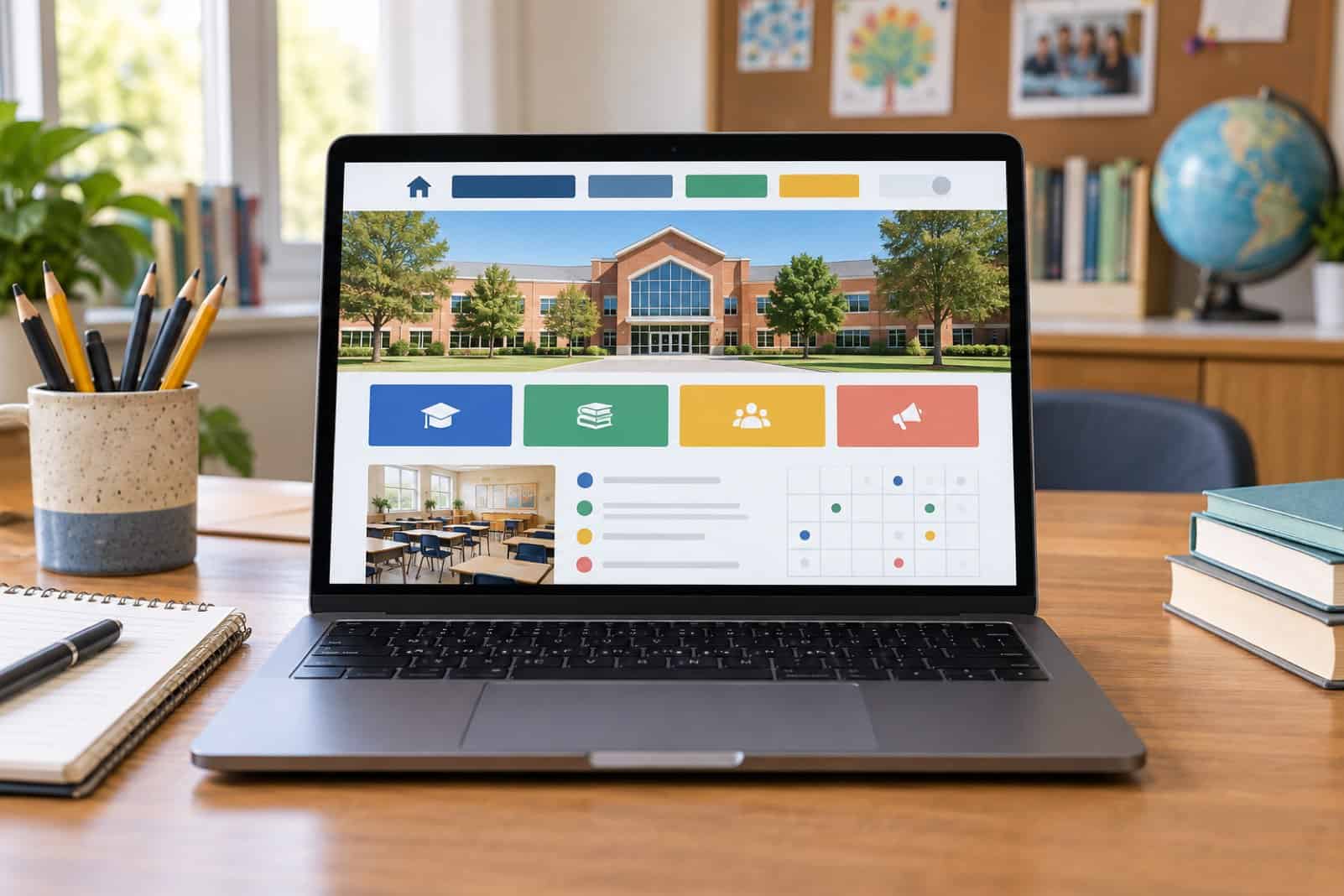
Most visitors pass through the homepage, so it needs to work hard. It should reflect your school’s identity and ethos while acting as a signpost to the most important content, with clear calls to action such as “Apply”, “Term dates” or “Contact us”. A business such as fsedesign.co.uk/websites-for-schools can help your home page to pack extra punch.
5. Make it accessible and easy to use on a phone
As many parents are using their phones to visit your website, it is essential that your pages, menus and documents are usable on small screens. Accessibility is also important. Some of the public sector accessibility regulations apply to state-funded schools. However, it is good practice to make an accessible website whatever the regulations. Using clear headings, describing links and providing good colour contrast and text alternatives for images will help everyone including people with disabilities who use assistive technology.
A quick structure check
| Question | Good sign |
|---|---|
| Can a parent find term dates in two clicks? | Yes, from any page |
| Is all statutory information in one place? | A clearly labelled section |
| Does the homepage point to the top tasks? | Clear, visible calls to action |
| Are old letters and news archived? | Reviewed every term |
| Does it work well on a phone? | Menus and documents easy to use |
Frequently asked questions
How often should a school website be updated?
Some parts of the website’s content, such as news, letters and events, will need to be updated on a weekly or more regular basis. Statutory information will require checking at least on an annual basis and whenever a policy or result has changed. A named person responsible for the site and a simple termly checklist help keep it accurate.
Should policies be PDFs or web pages?
Web pages are usually easier to read on phones, more searchable and more accessible. PDFs are fine for documents that people need to download or print but should be made accessible, clearly named and up to date.
Where to go next
For another way technology can support schools, read about improving safety at school with a visitor management system.
You can build a bad site with a logical content structure, but you cannot build a good site without one. Your website is only as user-friendly as it is logical.
